
Stop processing every
document
manually.
Businesses receive invoices, purchase orders, contracts, application forms, reports and other documents. Employees often open each document, locate information, copy details into another system and verify results. AI document processing helps automate these steps.
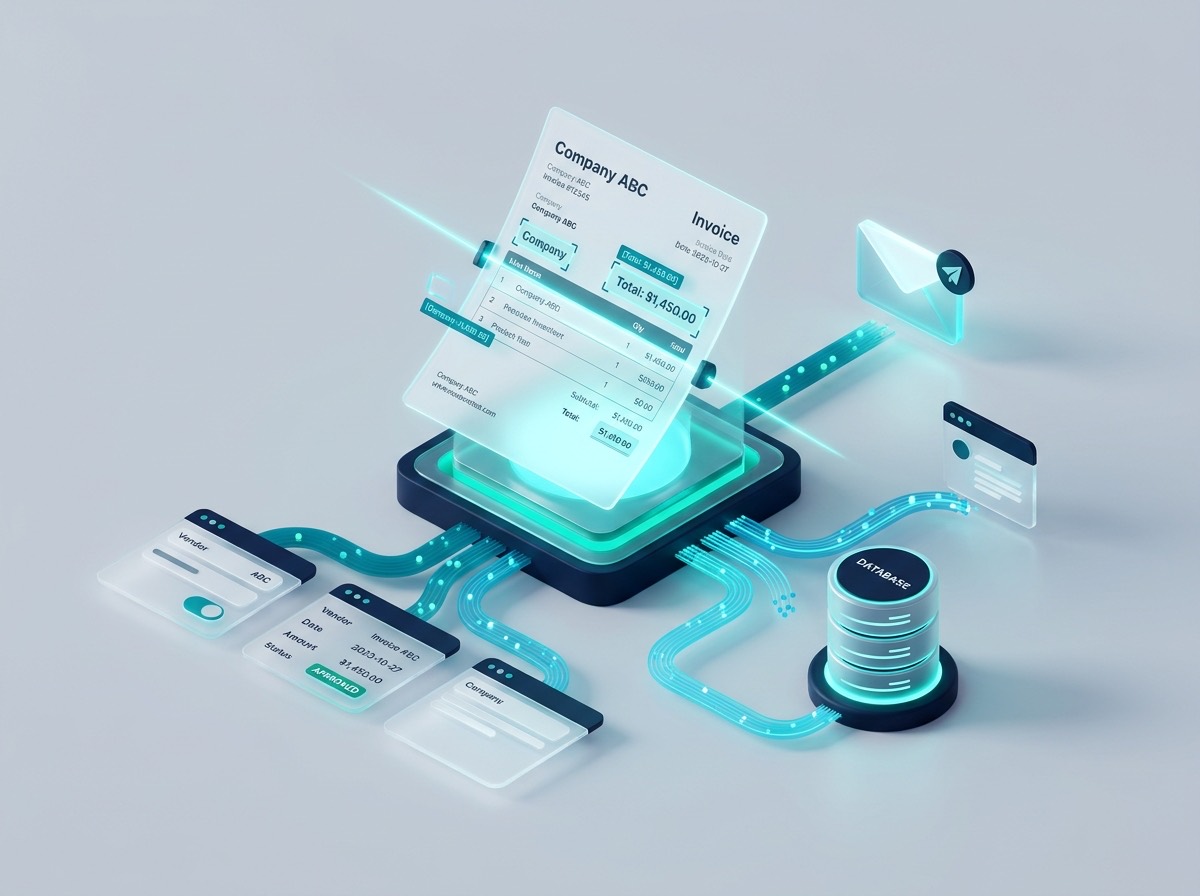
What can AI document processing do?
Beyond basic character recognition, modern document AI understands layout, semantics, relationships, and context.
Extract information
Identify selected fields such as vendor names, dates, invoice numbers, line-item totals, tax registrations, addresses, and reference numbers with high precision.
Classify documents
Identify incoming document types (purchase orders, receipts, NDAs, bills of lading, medical intake) and categorize them according to business taxonomy.
Summarize content
Prepare structured executive summaries of multi-page agreements, annual filings, or inspection records so staff can review essential facts in seconds.
Compare documents
Identify differences between document versions, redline modifications, and highlight added, deleted, or altered clauses requiring attention.
Integrate information
Send approved extracted records directly to SQL databases, CRM systems, ERP applications, and cloud accounting tools without manual rekeying.
Human-in-the-loop validation
If visual quality is compromised or a tax sum fails validation, the record is flagged for one-click employee review before database commit.
How document processing works in practice
A robust, error-tolerant pipeline built around your document types:
Receive documents
From an email inbox, web portal upload, SFTP folder, cloud drive, or scanner.
Identify format
The model identifies whether it is an invoice, contract, packing slip, or intake form.
Extract required fields
Extracts key-value pairs, multi-line tables, dates, IDs, and financial totals into JSON.
Validate against business rules
Verifies mathematical sums, valid tax numbers, and checks PO numbers against your ERP.
Flag exceptions
Incomplete or uncertain records are queued for one-click human verification in Slack or web UI.
Sync approved data
Data automatically populates NetSuite, SAP, Salesforce, or your custom SQL database.
Public AI or Private AI for Documents?
Select the infrastructure tier matching your document compliance mandates:
Public AI Processing
Fastest setup • Business API tier
Ideal for publicly accessible technical manuals, general marketing brochures, vendor catalog specification sheets, and non-confidential application forms. Zero data training contracts enforced.
Explore Public AI IntegrationPrivate AI Processing
On-Prem / Private VPC Hosting
Mandatory for supplier contracts with NDA terms, employee payroll records, banking statements, patient health intake forms, and proprietary business documents. Data never leaves your network.
Explore Private AI Stack
Automate your
document
processing
Send us a sample batch of your invoices, forms, or contracts. In a free 45-minute discovery call, we'll demonstrate automated extraction and outline the rollout plan.